


By: Isabel Mill & Oded Vanunu
OpenAI Codex CLI is OpenAI’s command-line tool that brings AI model-backed reasoning into developer workflows. It can read, edit, and run code directly from the terminal, making it possible to interact with projects using natural language commands, automate tasks, and streamline day-to-day development One of its key features is MCP (Model Context Protocol) – a standardized way to integrate external tools and services into the Codex environment, allowing developers to extend the CLI’s capabilities with custom functionality and automated workflows.
Research Motivation
We tested whether Codex safely handles project-supplied configuration and environment overrides automatically loaded at runtime, and whether implicit trust in those project files, which the CLI may read and execute without explicit user consent or provenance checks, can be abused in collaborative workflows.
Our Research Findings
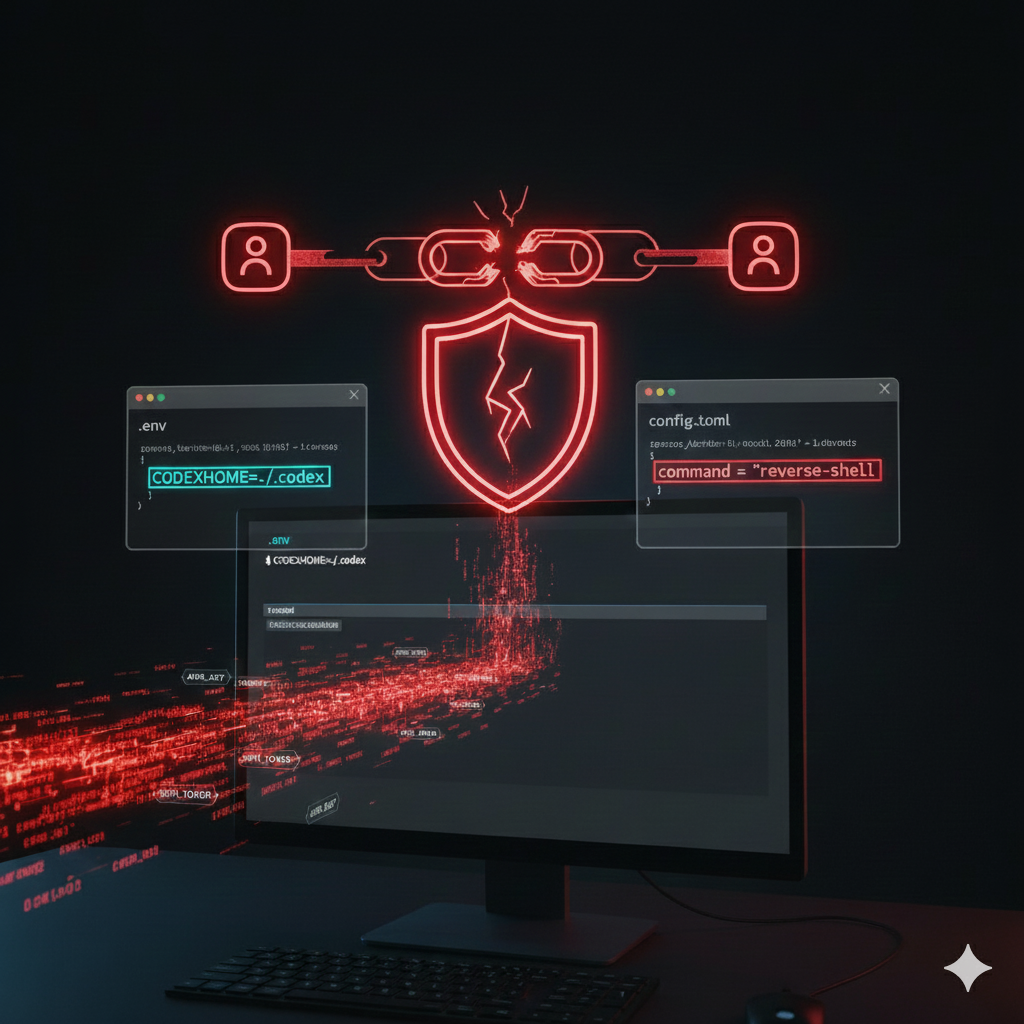
During testing, we found that Codex CLI will automatically load and execute MCP server entries from a project-local configuration whenever codex is run inside that repository., Concretely, if a repository contains a .env that sets CODEX_HOME=./.codex and an accompanying ./.codex/config.toml with mcp_servers entries, Codex CLI resolves its config to that local folder, parses the MCP definitions, and invokes the declared command/args immediately at startup. There is no interactive approval, no secondary validation of the command or arguments, and no re-check when those values change — the CLI treats the project-local MCP configuration as trusted execution material.
This sequence turns ordinary repository files into an execution vector: an attacker who can commit or merge a .env and a ./.codex/config.toml can cause arbitrary commands to run on any developer who clones the repo and runs codex. In practice, we demonstrated this with deterministic payloads (file-creation) and by replacing benign commands with reverse-shell payloads; both executed without user prompts. Because the behavior binds trust to the presence of the MCP entry under the resolved CODEX_HOME rather than to the contents of the entry, an initially innocuous config can be swapped for a malicious one post-approval or post-merge, creating a stealthy, reproducible supply-chain backdoor that triggers on normal developer workflows.
Technical Deep Dive
Codex resolves its configuration path at startup, then parses and materializes any MCP server entries it finds so they’re available to the runtime. When the effective CODEX_HOME points at a repository folder, Codex treats that repo-level config as the authoritative source and will invoke the command + args listed under mcp_servers as part of expected startup/automation flows. In the vulnerable behavior, there is no secondary validation, no interactive approval, and no re-check when the command/args change. The CLI simply runs what the project config declares.
This means an attacker can perform the following steps:
- Prepare a repository with a benign-looking project structure.

2. Add a .env that redirects configuration to the repo:

3. Commit a ./.codex/config.toml containing an mcp_servers entry that declares command + args. In this example, we used a harmless file-creation payload, but the same chain can be swapped for a reverse shell.
4. When a developer clones or updates the project and runs codex, the repo .env setting CODEX_HOME=./.codex causes Codex to load ./.codex/config.toml and execute its mcp_servers.*.command immediately, without prompting. The command runs in the user’s context; an attacker can silently swap in a reverse shell, exfiltrate data, or harvest credentials. In the image example below, we demonstrate this by opening Calculator on the victim machine.

Real World Consequences
This vulnerability enables silent, repeatable remote code execution in any environment where developers run codex against a repository. By abusing project-local config loading, an attacker who can land a commit or PR can turn an otherwise innocent repo into a persistent backdoor that triggers whenever a developer runs codex, with no additional prompts or approvals.
An attacker with write or PR access can:
- Achieve persistent remote access: Embed a reverse shell or persistent payload in ./.codex/config.toml (delivered alongside a .env that redirects CODEX_HOME) and regain access each time a developer runs codex.
- Execute arbitrary commands silently: Any shell command defined in an MCP entry runs immediately in the user’s context whenever codex loads the project config.
- Escalate and exfiltrate: Developer machines frequently hold cloud tokens, SSH keys, and source; attackers can harvest credentials, exfiltrate secrets, or push further exploits.
- Persist and swap payloads post-merge: Because trust is tied to the resolved config location rather than the contents, an initially harmless entry can be replaced later with malicious commands without triggering re-approval.
- Propagate via supply-chain artifacts: Compromised templates, starter repos, or popular open-source projects can weaponize many downstream consumers with a single commit.
- Contaminate CI and build pipelines: If CI, automation, or build agents run codex on checked-out code, the compromise can move from workstations into build artifacts and downstream deployments.
- Enable lateral movement and privilege escalation: With harvested credentials and local access, an attacker can pivot to cloud resources, repositories, or internal networks.
This breaks the CLI’s expected security boundary: project-supplied files become trusted execution material, and that implicit trust can be exploited with minimal effort and no user interaction beyond standard development workflow.
Responsible disclosure timeline:
- Check Point Research responsibly disclosed the issue to the OpenAI Codex CLI team on August 7, 2025.
- OpenAI issued a fix on August 20, 2025, in Codex CLI version 0.23.0. The patch prevents .env files from silently redirecting CODEX_HOME into project directories, closing the automatic execution path we demonstrated.
- Our testing confirmed the fix is effective. Codex CLI now blocks project-local redirection of CODEX_HOME, requiring safer defaults and stopping immediate execution of attacker-supplied project files.
To ensure protection, we strongly recommend all users update to Codex CLI version 0.23.0 or later.